Professional Storyboarding
Everything You Need to
Tell Your Story
A complete storyboarding toolkit — from pressure-sensitive drawing to production-ready export. Explore every feature built into Storyforge.
A complete storyboarding toolkit — from pressure-sensitive drawing to production-ready export. Explore every feature built into Storyforge.
Pen tablet-optimized tools with full pressure sensitivity. Each tool supports size, opacity, and flow variance.
Soft, pressure-sensitive painting with customizable tips and blending
Hard-edged, pixel-perfect drawing for clean linework
Click-to-place bezier paths with Ctrl+drag point adjustment — rasterized with brush settings for clean curves
Pressure-aware erasing with the same brush engine
Blend and smear colors naturally across the canvas
Reposition layers and selections freely on the canvas
Freehand, rectangle, and polygon selection with Add/Subtract modes
Color-based selection with adjustable tolerance
Scale, rotate, and distort layers and selections
Pick any color from the canvas (Alt+Click shortcut)
Flood fill with configurable threshold
Draw rectangles, ellipses, and lines with live preview
Pan and scroll the canvas viewport freely
Rotate the canvas view for comfortable drawing angles
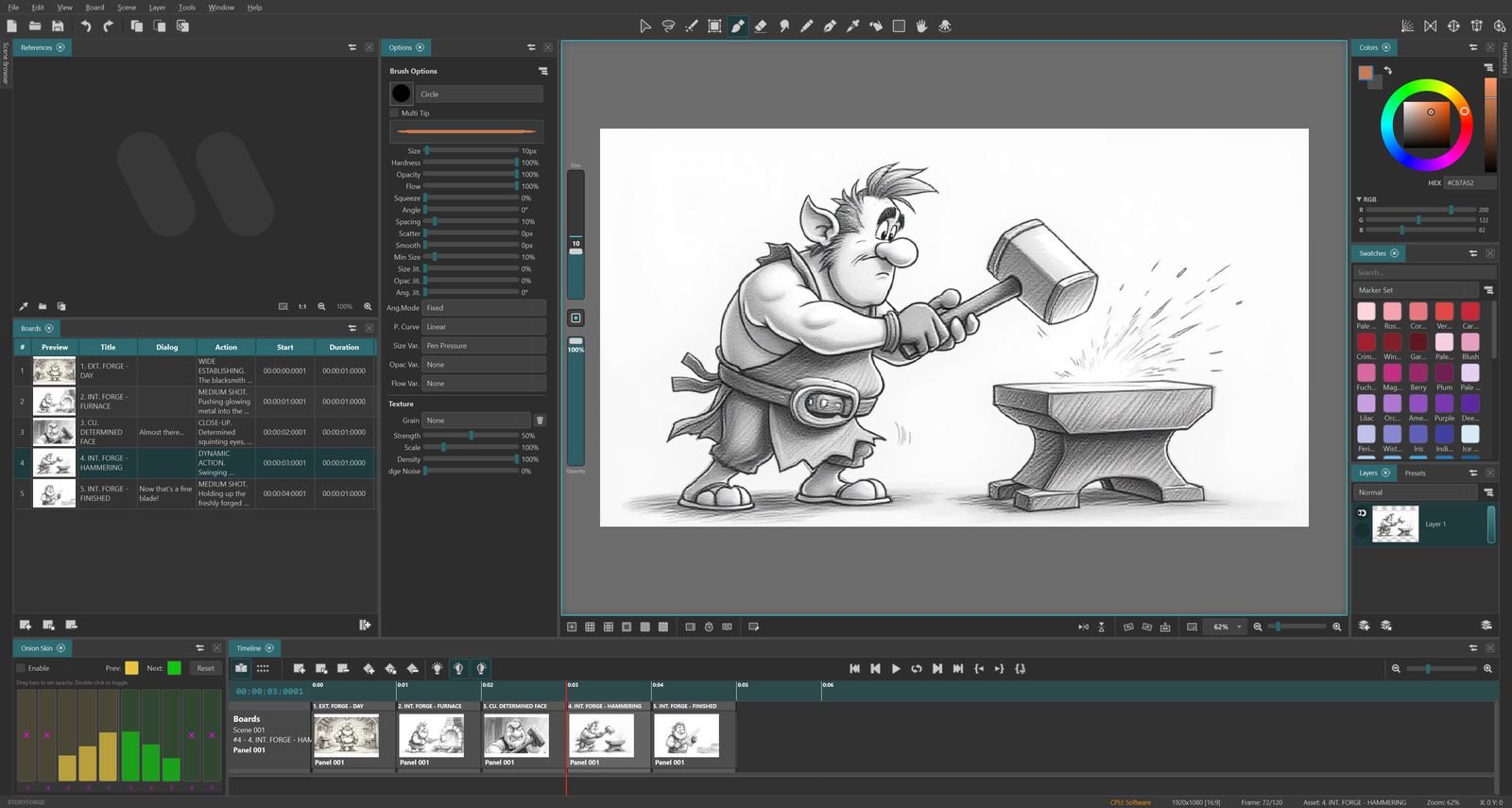
A powerful engine designed for silky-smooth strokes with full pressure sensitivity. Every parameter is tunable for your exact style.
12 industry-standard blend modes
Smooth zoom, rotation, and professional guides for precise work at any scale.
Smooth zooming from overview to pixel level. Fit to window, 100%, and custom zoom levels. Scroll-wheel zoom with cursor centering.
Continuous 360° rotation for natural drawing angles. Hold R to rotate, snap to 15° increments, one-click reset.
Horizontal and vertical mirror modes to check proportions and composition — non-destructive, view-only flip.
Center crosshair, rule of thirds, golden ratio, safe area, grid (8-128px), and isometric grid. Toggle any combination.
1-point, 2-point, and 3-point perspective with draggable vanishing points. Automatic snap for Brush, Pen, Pencil, Eraser, and Smudge.
Solid color, checkerboard transparency, built-in paper textures (fine/rough), or load your own custom textures.
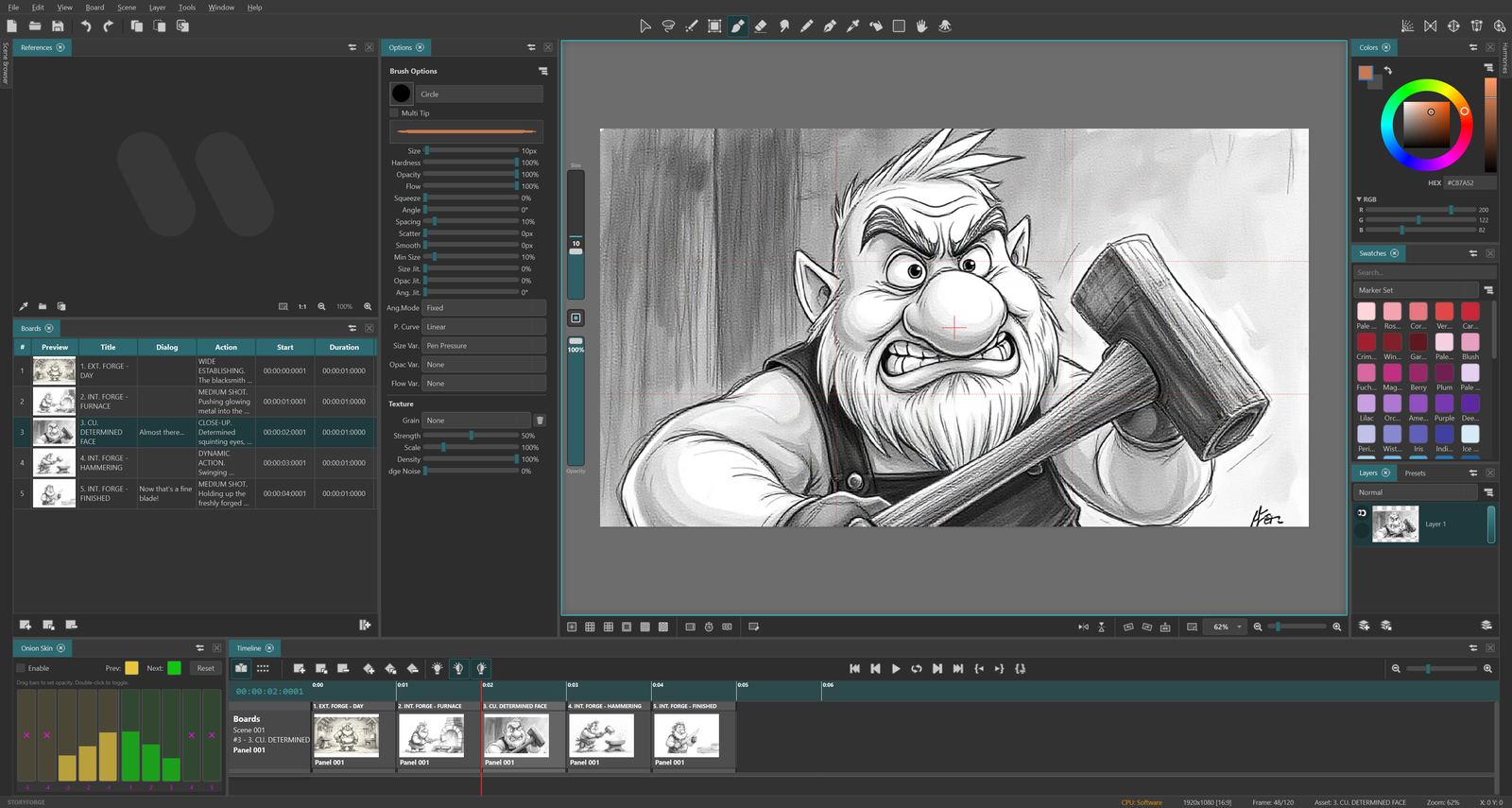
Optimized rendering ensures smooth performance even on large boards with many layers. Full pen tablet support with pressure and tilt detection.
A hierarchical project structure inspired by professional storyboarding workflows.
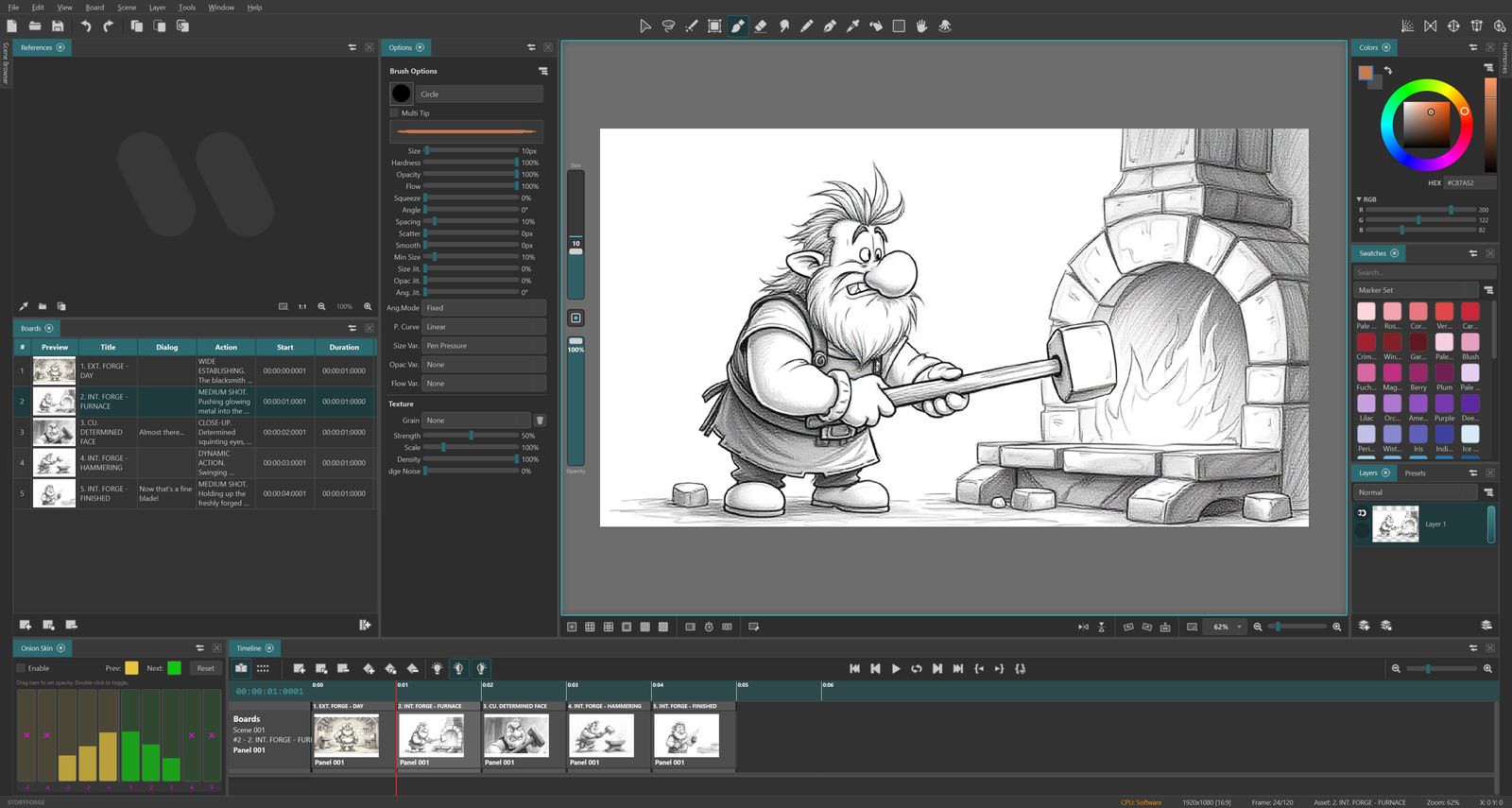
Organize your story into sequences. Add, duplicate, delete, reorder scenes with drag-and-drop. Color labels (7 colors) and flag markers for quick filtering.
Navigate boards with A/D keys. Add (Z), Duplicate (X). Copy/Cut/Paste boards across scenes. Full clipboard with cross-scene support.
Each board can contain multiple panels — the drawable units. Panels share layer structure and support independent duration. Inspired by Storyboard Pro.
Visual overview of all scenes with grid/list toggle, thumbnail sizing, filtering by color label or flag, sorting options, and multi-select batch operations.
Table view with thumbnails, inline editing for title, dialog, and action fields. Context menus for all operations. Multi-board selection support.
Intelligent auto-naming: "Board 001" duplicates to "Board 002". Zero-padding preserved. No more "Copy of Copy" clutter.
See your entire story as a sequencer with real-time playback, scrubbing, and range control.
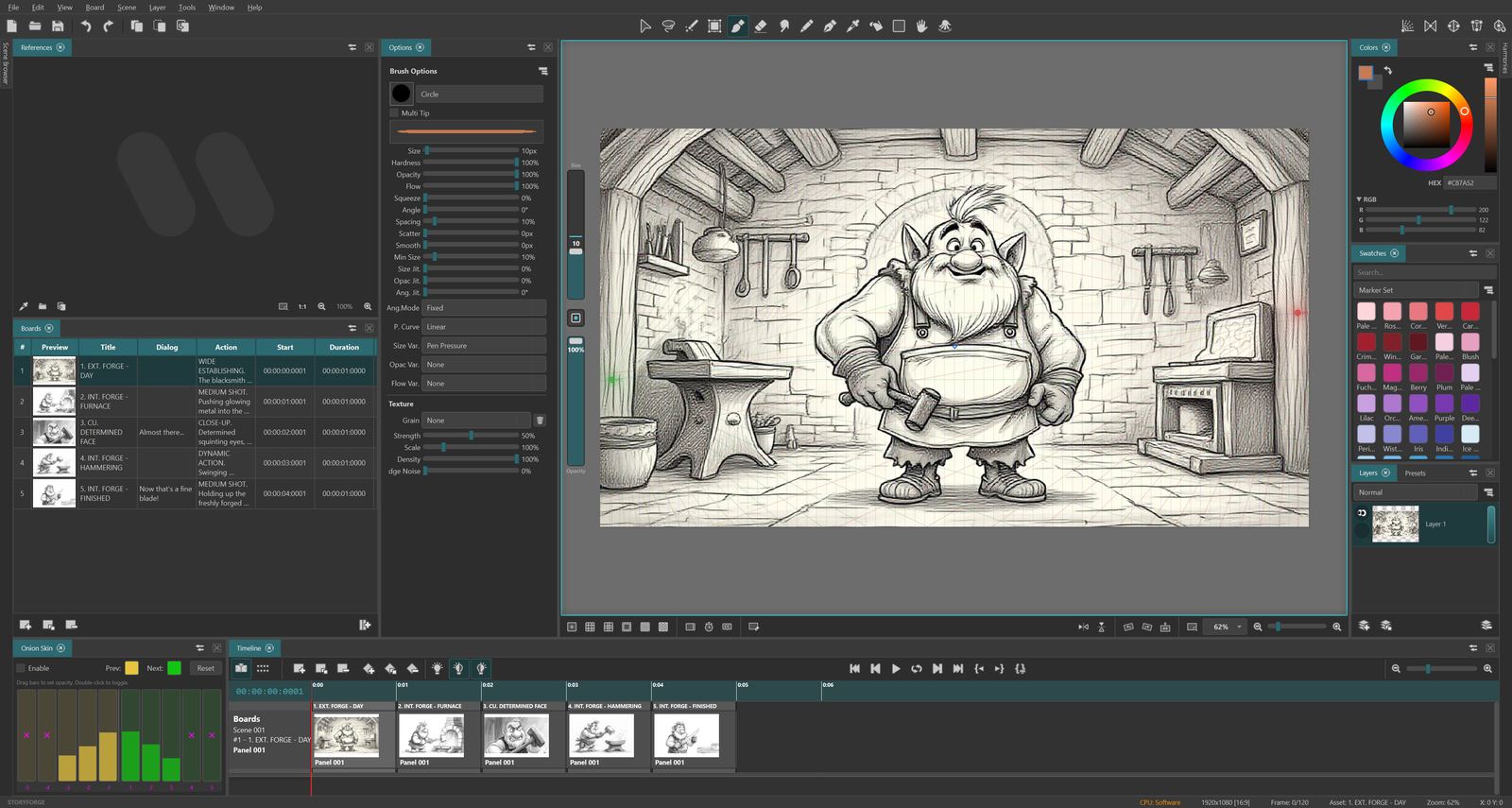
A professional timeline with board blocks, panel tracks, audio waveforms, and video thumbnails. Resize durations by dragging edges.
Smooth real-time playback with frame skip for complex projects.
Non-destructive raster layers with blending, locking, and visibility — the foundation of flexible editing.
Multiple layers per panel. Drag-and-drop reorder, rename (F2), visibility and lock toggle.
12 blend modes: Normal, Multiply, Screen, Overlay, Darken, Lighten, Color Dodge/Burn, Hard/Soft Light, Difference, Exclusion.
Add, Duplicate (Ctrl+J), Delete, Merge Down (Ctrl+Shift+M), Flatten Image. Full undo for every operation.
Select multiple boards and paint on all of them simultaneously. Common layer selection with atomic undo across boards.
Up to 500 undo levels (configurable). Covers drawing strokes, layer operations, board reorder, and panel changes. Multi-board strokes undo atomically with a single Ctrl+Z.
Export your storyboards as professional PDFs, video files, or image sequences — ready for production.
Dynamic PICTURE column width based on board aspect ratio. Thick black image frames. Industry-standard Japanese storyboard layout.
Sequential list layout with dynamic image sizing. Configurable rows per page. Board metadata fields alongside each image.
Auto-calculated column count (2-4) to maximize image area. Compact grid layout ideal for overview presentations.
Bring reference footage, audio tracks, and image sequences directly into your project.
Import audio clips with timeline waveform visualization. Adjust volume, mute individual clips. Multiple audio layers per scene. Exported into video with ffmpeg mixing.
Overlay video reference on the canvas for rotoscoping. Per-board in/out points, opacity control, and frame-accurate scrubbing.
Import hundreds of images at once — each becomes a new board. Natural sort ordering. Drag-and-drop images directly onto the canvas for quick layer import.
Import video files as reference tracks. Fast hardware-accelerated transcoding. Embed media into your project or link to external files.
Move, scale, and position video overlays directly on the canvas. Adjust opacity in the timeline. Full undo/redo support.
Choose to embed media into your project or link to external files. Embedded files travel with your project — share everything in one file.
Themes, workspaces, keyboard shortcuts, and preferences — tailor Storyforge to your workflow.
Choose from Default, Light, Dark, and High Contrast themes. Customize accent colors with live preview to match your style.
Fine-tune every aspect — pressure curves, default brush size, playback FPS, autosave interval, keyboard shortcuts, and more.
Full shortcut editor with conflict detection and reset. Hold-to-use tool switching: hold E for eraser, release to return to previous tool.
Default, Drawing, and Review layouts. Save custom workspace arrangements. Adobe-style panel grouping with drag-and-drop tabs. Lock panels to prevent accidental moves.
HEX, RGB, and HSV input. Color history (24 colors). Favorite colors grid. Harmony modes: Complementary, Analogous, Triadic, Split-Complementary with wheel visualization.
Welcome screen with folder organization, project thumbnails, recent projects. Import/export scenes between projects. User resources folder for custom brush tips and textures.
Full interface localization in 7 languages: English, Türkçe, Deutsch, Français, Italiano, Español, and Português. All menus, dialogs, and buttons translated.
Select multiple boards (Ctrl+Click, Shift+Click) and paint on all of them at once. Draw naturally on the active board and your strokes are automatically applied to every selected board. A single Ctrl+Z reverts changes across all boards. Batch operations include adding, deleting, and renaming layers, setting duration, and copy/cut/paste.
Get started with a license and download the latest version.